Plugin dashboard
This is the default landing page after successfully authenticate.
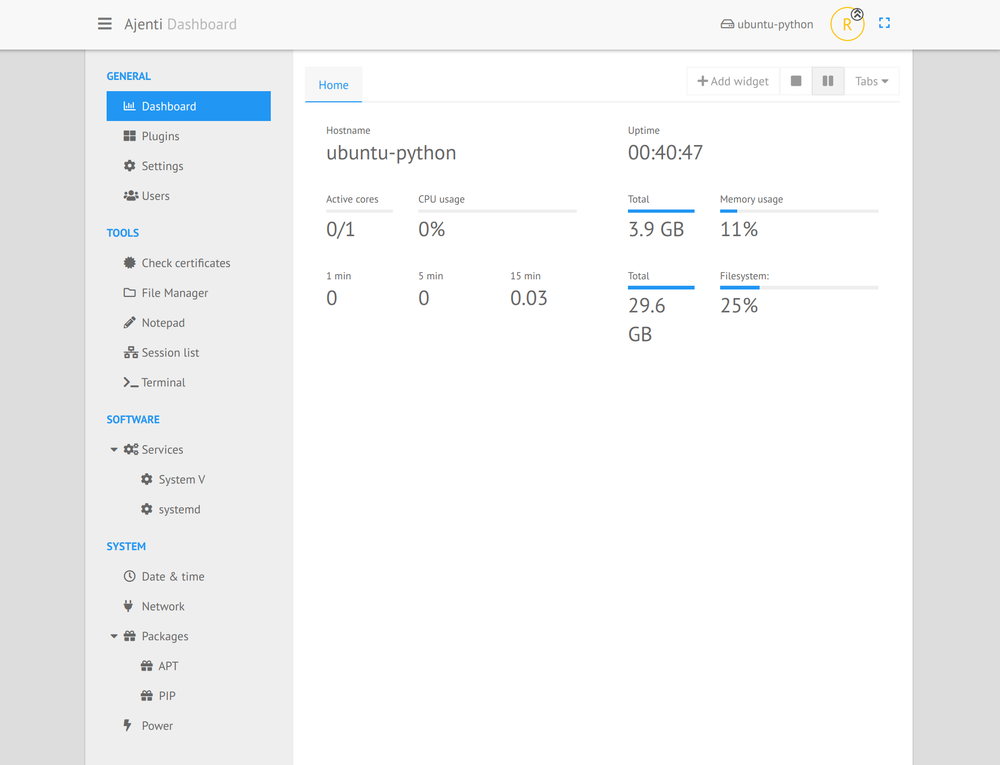
It’s possible to display the widgets of your choice, and to order them as you want with a simple drag&drop.
You can also add other tabs, and rename them the way you want.
The list of actual available widgets:
Check certificates,
CPU Usage,
Disk space (you can choose the mount point),
Hostname,
Load average,
Memory usage,
Power state,
Script (run your own command),
Service (status of a service in systemd or sysv init),
Sessions (logged in users),
Traffic,
Uptime.